
Copilot in Intellij
Plugin
File->Settings->Plugins->GitHub Copilot 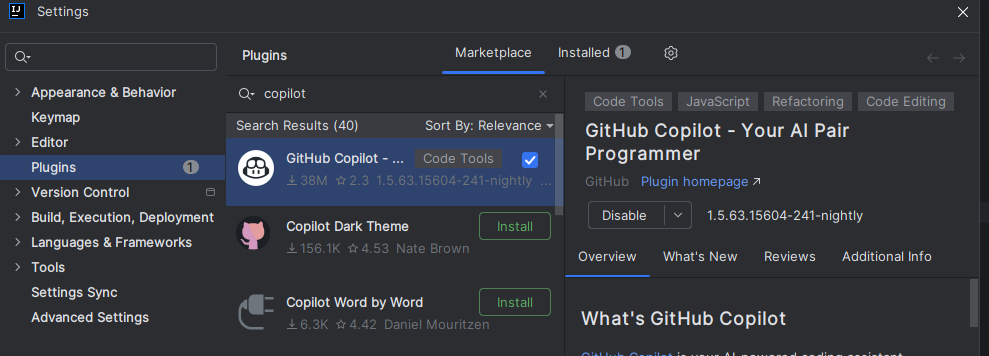
Sign in
Switching between Copilot variants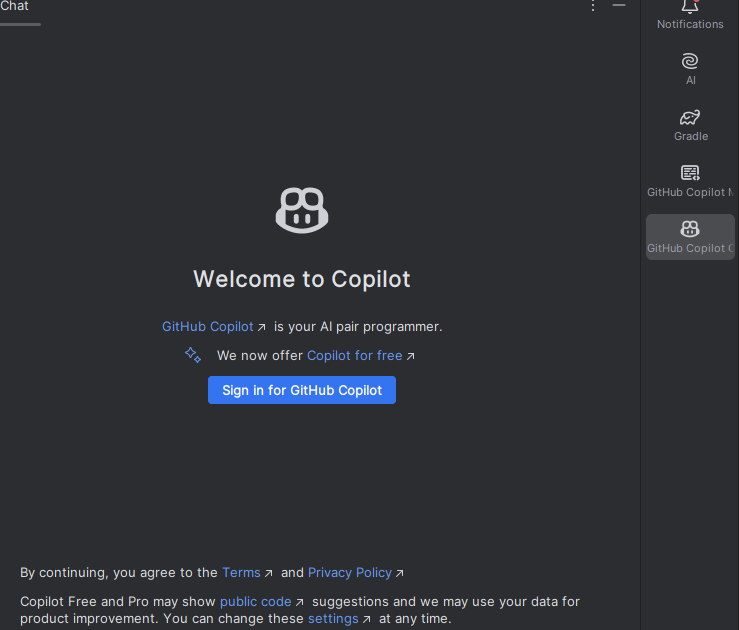
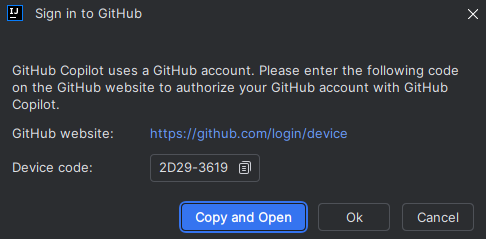 Login with the FirstName_LastName_mggroup account Authorize the IDE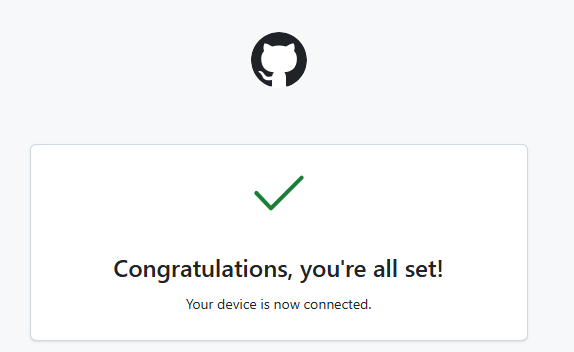
Troubleshooting:
- If you have issues with login, try to login via browser and then restart the IDE.
- Retrieving github device code error GitHub Copilot Chat Sign in failed Issue in IDEA 2024.1 on Windows 10 - Stack Overflow
Use Copilot in Your Source Code
Copilot as code suggestion tool
Official Documentation on using Copilot in JetBrains Products
Chat with Copilot
Official Documentation on using Copilot Chat
Add Repository-Wide Custom Instructions
Official Documentation on Repository Instructions
- Onboard AI into your codebase using "Tools->GitHub Copilot->Customizations-> Copilot Instructions->Workspace Instructions"
- VS Code 'Generate AI instructions' will prompt to generate instructions for the project with the following prompt:
Analyze
Focus on discovering the essential knowledge that would help an AI agents be immediately productive in this codebase. Consider aspects like:

The "big picture" architecture that requires reading multiple files to understand - major components, service boundaries, data flows, and the "why" behind structural decisions
Critical developer workflows (builds, tests, debugging) especially commands that aren't obvious from file inspection alone
Project-specific conventions and patterns that differ from common practices
Integration points, external dependencies, and cross-component communication patterns
Source existing AI conventions from **/{.github/copilot-instructions.md,AGENT.md,AGENTS.md,CLAUDE.md,.cursorrules,.windsurfrules,.clinerules,.cursor/rules/**,.windsurf/rules/**,.clinerules/**,README.md} (do one glob search).

Guidelines (read more at https://aka.ms/vscode-instructions-docs):

If .github/copilot-instructions.md exists, merge intelligently - preserve valuable content while updating outdated sections
Write concise, actionable instructions (~20-50 lines) using markdown structure
Include specific examples from the codebase when describing patterns
Avoid generic advice ("write tests", "handle errors") - focus on THIS project's specific approaches
Document only discoverable patterns, not aspirational practices
Reference key files/directories that exemplify important patterns
Update .github/copilot-instructions.md for the user, then ask for feedback on any unclear or incomplete sections to iterate.```
* A summary of the project is generated at `.github/copilot-instructions.md`. Check the contents and edit as needed to provide context to Copilot about the project structure, architecture, and conventions.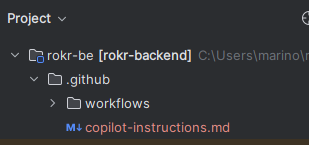
- Use
.github/copilot-instructions.mdas context in chat. Optionally, also add theREADME.mdfile if the project has one.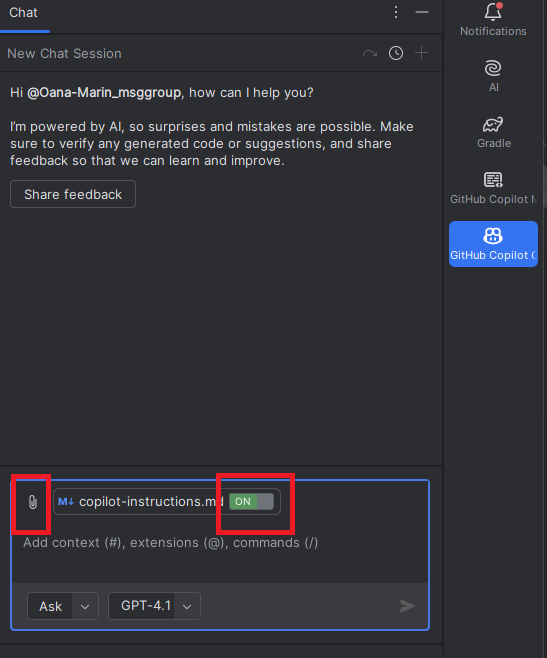
[!TIP] Commit this
copilot-instructions.mdfile to the repository so the whole team uses the same instructions
Step 4 Prompting
Prompt Best Practices
Ask vs Plan vs Agent Modes
- Make sure you review the Github Copilot chat modes documentation before moving to the examples
- Additionally, you can watch GitHub Copilot Modes Explained: Ask vs Edit vs Agent vs Plan - Which Should You Use?
- Currently, Intellij plugin has 'Plan' mode in Preview only. - use VS Code or Copilot CLI for 'Plan' mode experience, 'Agent' mode in Intellij in the meantime.'
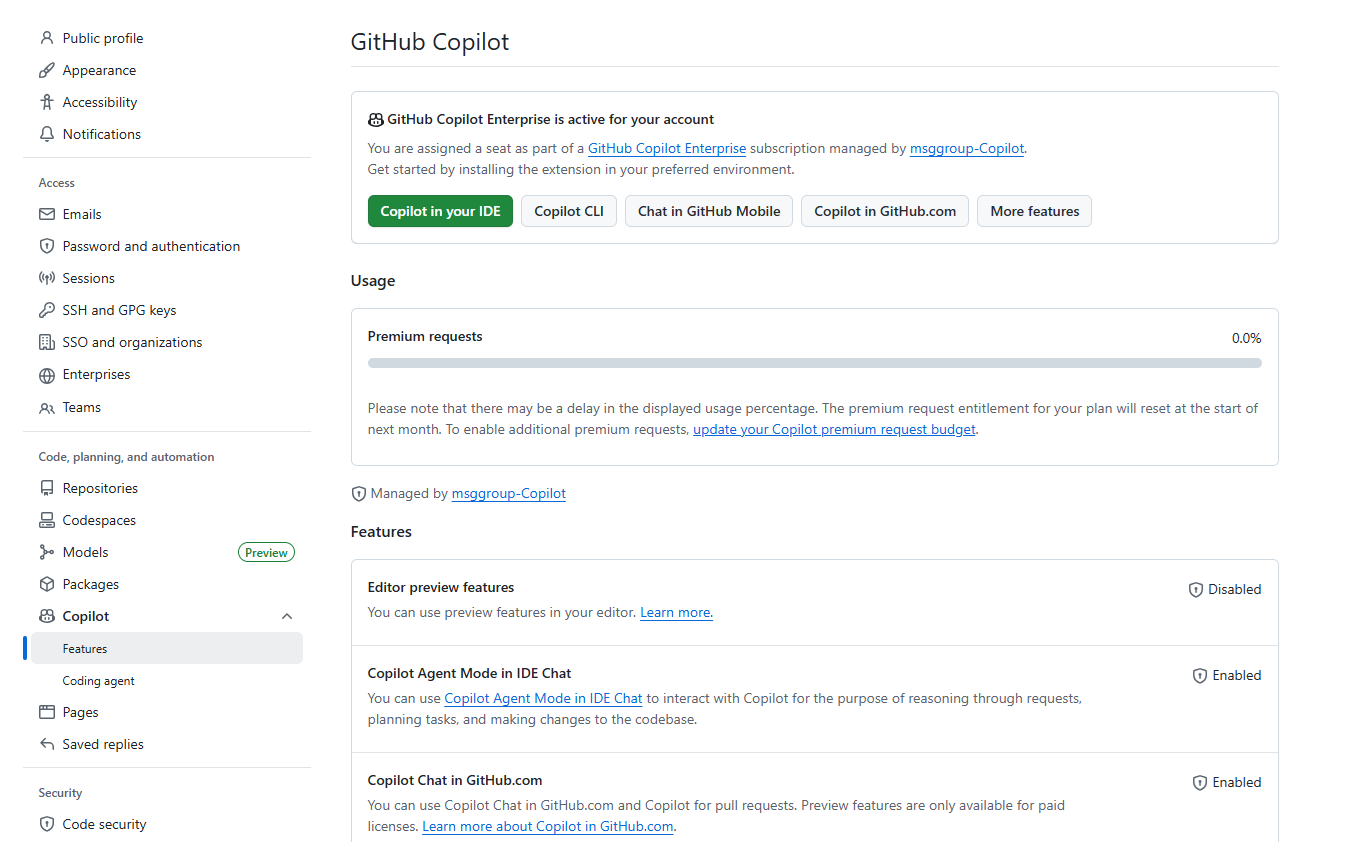
- Latest Copilot updates available
- Check what is available in your Github account.
Examples
Example 1: Onboard in an existing codebase
- Copy and paste the prompt below into Copilot Chat. In this example, the
Update Candidateuser flow is explored. - Use "Ask" mode.
You are onboarding me as a junior developer.

Using the rules and architecture described in copilot-instructions.md, explain how the
"Update Candidate" business scenario is implemented in this codebase.

1. Describe the end-to-end flow starting from the API/controller layer.
2. Explain which files and layers are involved and why.
3. Explain the business rules enforced (not just technical steps).
4. Point out where validations, permissions, and side effects happen.
5. Highlight anything that would be easy for a junior developer to misunderstand.

Assume I am new to both the project and Copilot.
Use simple, concrete language.Results: 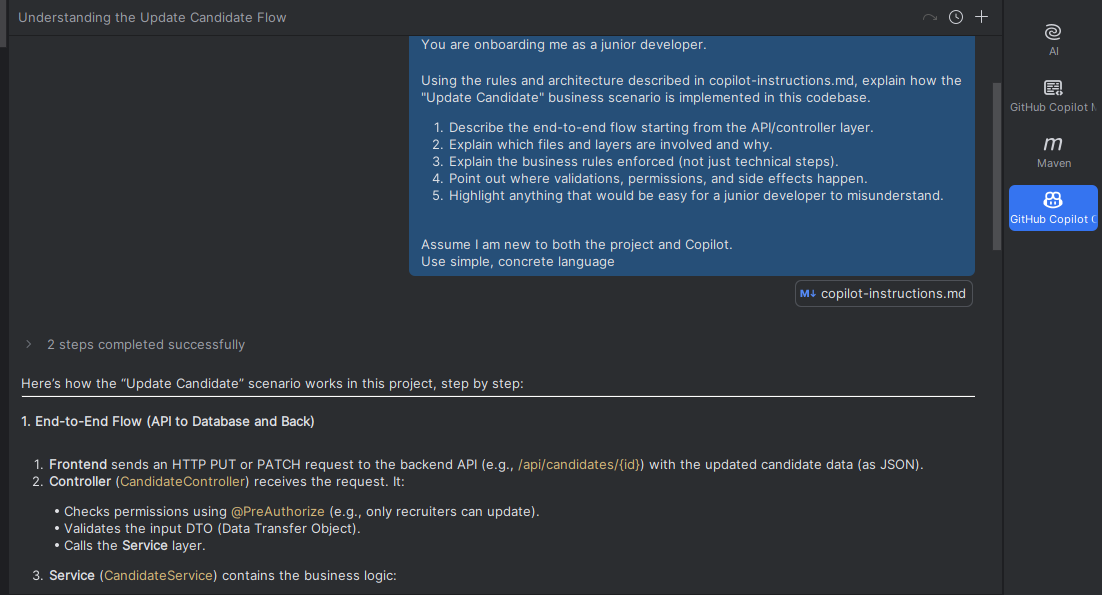
- Further reading: Tutorial for exploring a codebase
Example 2: Generate a backend unit test for a controller
- First, identify missing unit tests (use "Plan" mode). In this example, the
Save Candidateuser flow is examined.
Prompt 1:
Create a plan to improve unit test coverage for the saveCandidate service

1. Identify the main business scenarios handled by saveCandidate.
2. Check which of these scenarios are not currently covered by unit tests.
3. Propose a list of missing test cases, including:
   - happy path scenarios
   - business rule or validation failures
   - error cases (for example, when a dependency fails)
4. For each proposed test case, briefly explain what should be verified.

Do NOT write test code.
Assume I am a junior developer and keep explanations clear and simple.- Verify the plan, then generate one test (use "Ask" mode).
Prompt 2:
Using the plan above, write a unit test for Test 3: saveCandidate_withSkills_shouldSaveCorrectly.

Rules:
- Do NOT change production code. Tests only.
- Follow the testing style, tools, and naming conventions
- Mock all external dependencies.

- Implement the proposed test case
- Use Arrange / Act / Assert.
- Keep tests readable and add short comments explaining each test.

Output the complete test code.- Run the test code
You can copy and paste the generated code and run it yourself.
Further reading: Writing unit tests with Copilot Chat
[!TIP] Instead of copy-pasting, let Copilot assist using Agent mode. This will be discussed in a later section.